






See your app before the code.
Most of an app’s problems can be seen before any code exists. We catch them on screen: we map the flow, design every screen and give you a prototype you tap through like the real app.
What you get
The deliverables, in short. What exactly is included goes in the quote.
- 01
Flows and screen architecture
Which screens exist, how people move from one to the next and where they might get lost.
- 02
The interface, screen by screen
Each screen designed for phone, tablet or desktop, depending on where the app is used.
- 03
The states everyone forgets
Empty, loading, error, offline, first launch: we design them all, not just the ideal case.
- 04
A small design system
Colours, fonts, buttons, fields and icons, defined once and used the same way across the app.
- 05
The clickable prototype
Open it on your phone, hand it to a few clients and see where they get stuck, before any code is written.
- 06
Hand-over to developers
Screens with measurements, colours and fonts, exported graphic assets and a note on every behaviour.
- Clickable prototype (link)
- Screens for iOS, Android and web
- Developer specs
- SVG icons and assets
- App Store and Google Play screenshots
How we work
Four steps, from the first message to the final files.
- 1
The talk
You tell us what problem the app solves and who uses it.
- 2
The sketch
We draw the main screens and the flow, so you see the app before the code.
- 3
Design and code
We build it in pieces you can try along the way.
- 4
Launch
We publish it and stay on for updates and maintenance.
Work we made
Only real projects, already on our site.
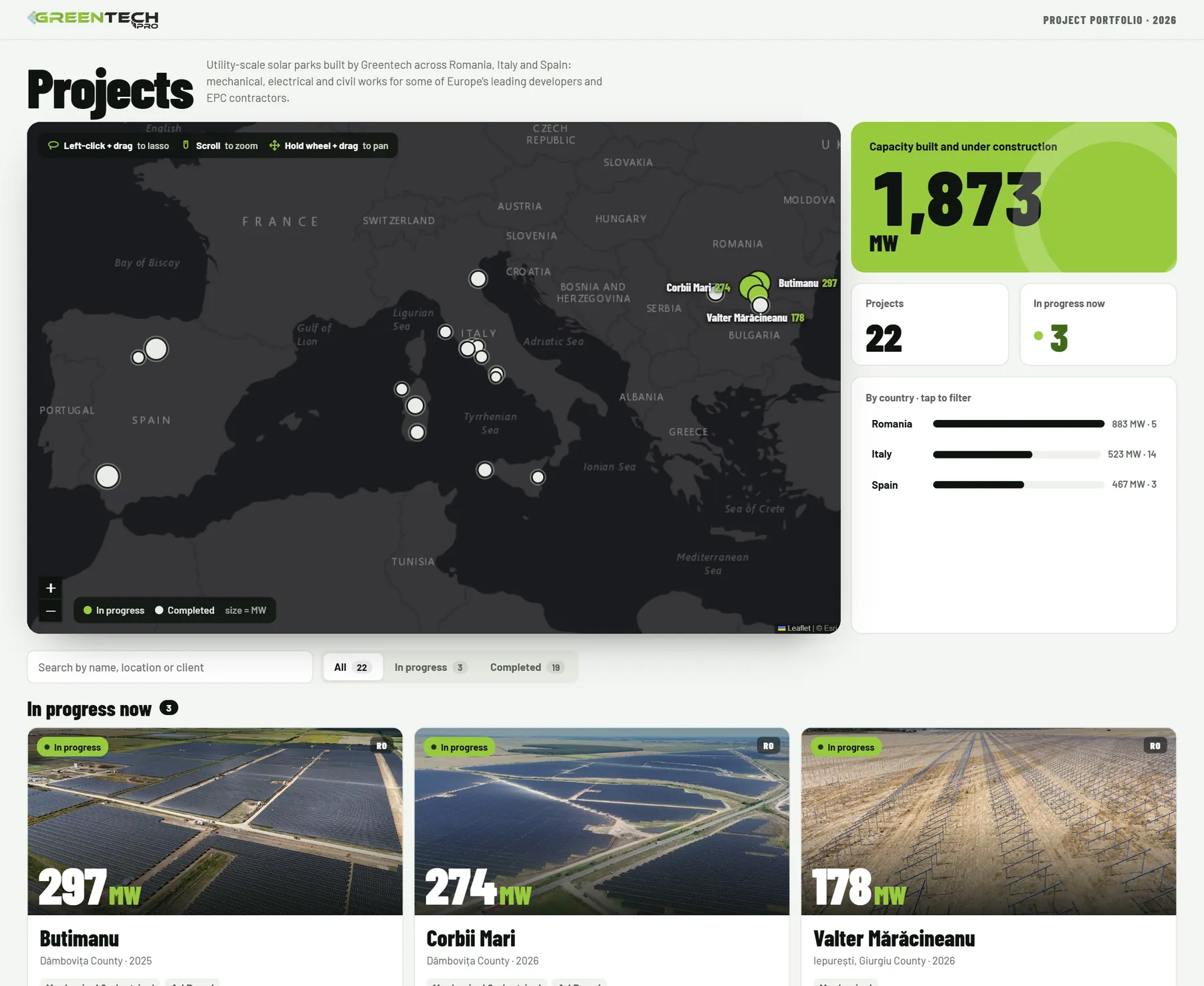
Questions
What clients ask us.
Can I get just the design, without the code?
Yes. You can take only the UI/UX part, meaning the screen architecture, the design and the clickable prototype, and build it with your own team. Or we go all the way to a working app together, through Optical App Dev.
My app already exists but is hard to use. Can you redo just the interface?
Yes. We start from what is there, see where people get confused and redesign the screens one by one, so your developers can change them without rewriting everything.
How do I test the design before the code?
With the clickable prototype: give it to five people who resemble your clients and let them do a real task. We wrote about testing an app with five people in detail.
Do I need to know which technology I want?
No. You tell us what the app must do and we propose the right option: web, iOS, Android or all of them.
What happens after launch?
We stay on for updates, fixes and new features. Details are on the studio’s services page.
How much does it cost?
It depends on what it covers: how many pieces, how many versions, whether printing or production is included. Tell us what you need and we come back with a clear quote, after a short talk.
From the blog
Short guides on the topic, written in the studio.
Related
Goes well with
Optical App Dev
Let’s start.
Tell us in two lines what you need. We come back with a plan and a clear quote.